Official site data,
ready for your design software.
Pick a site. OpenFetch gathers terrain, buildings, trees and 2D linework from government and council open data, and hands you one tidy, layered file in true MGA coordinates and AHD heights.
Free, no sign-up, runs in your browser.
Files forRhinoAutoCADRevitArchicadVectorworksSketchUp ProQGIS
A quick tour
From an address to a site model in four moves
Everything runs in your browser. The data comes straight from the official portals to you.
-
01
Find your site
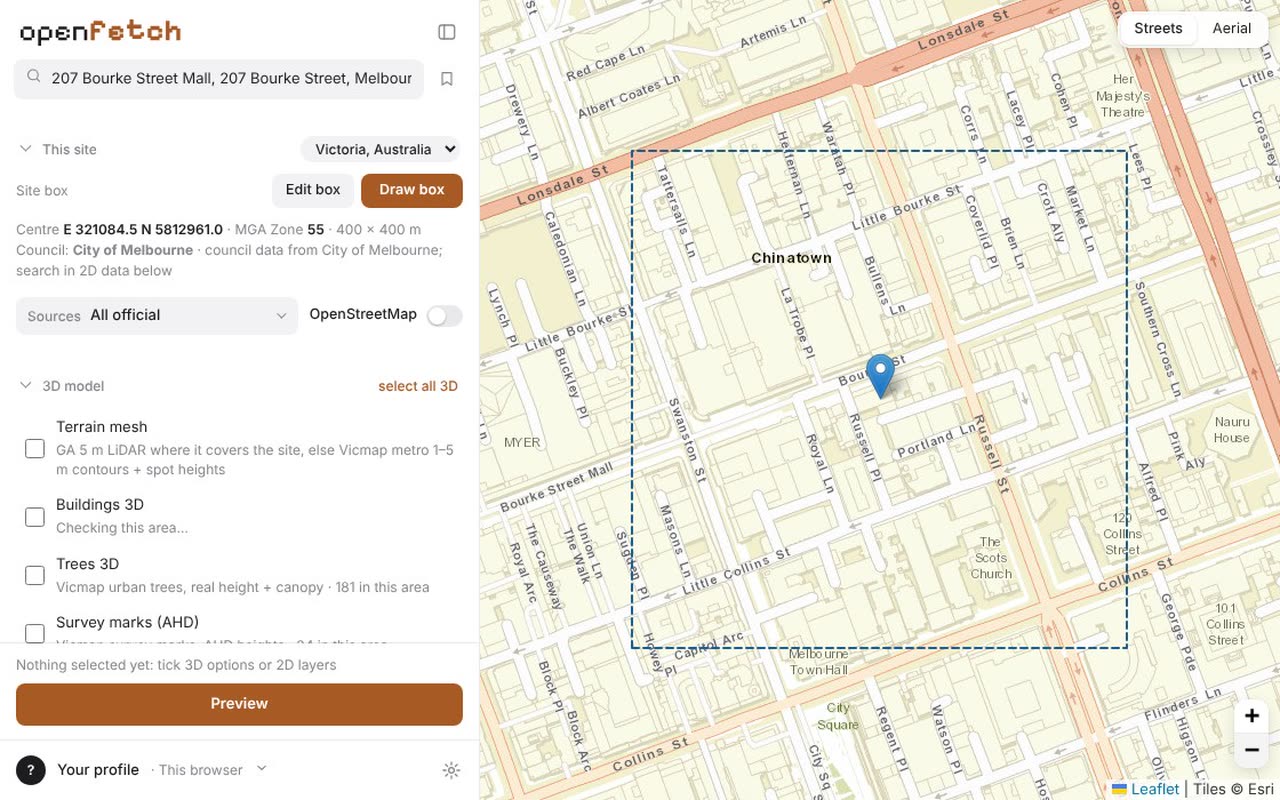
Type an address, a lot and plan or coordinates. A 400 m site box drops on the spot. Need another size? Draw your own; the box only moves when you move it.
-
02
Tick what you need
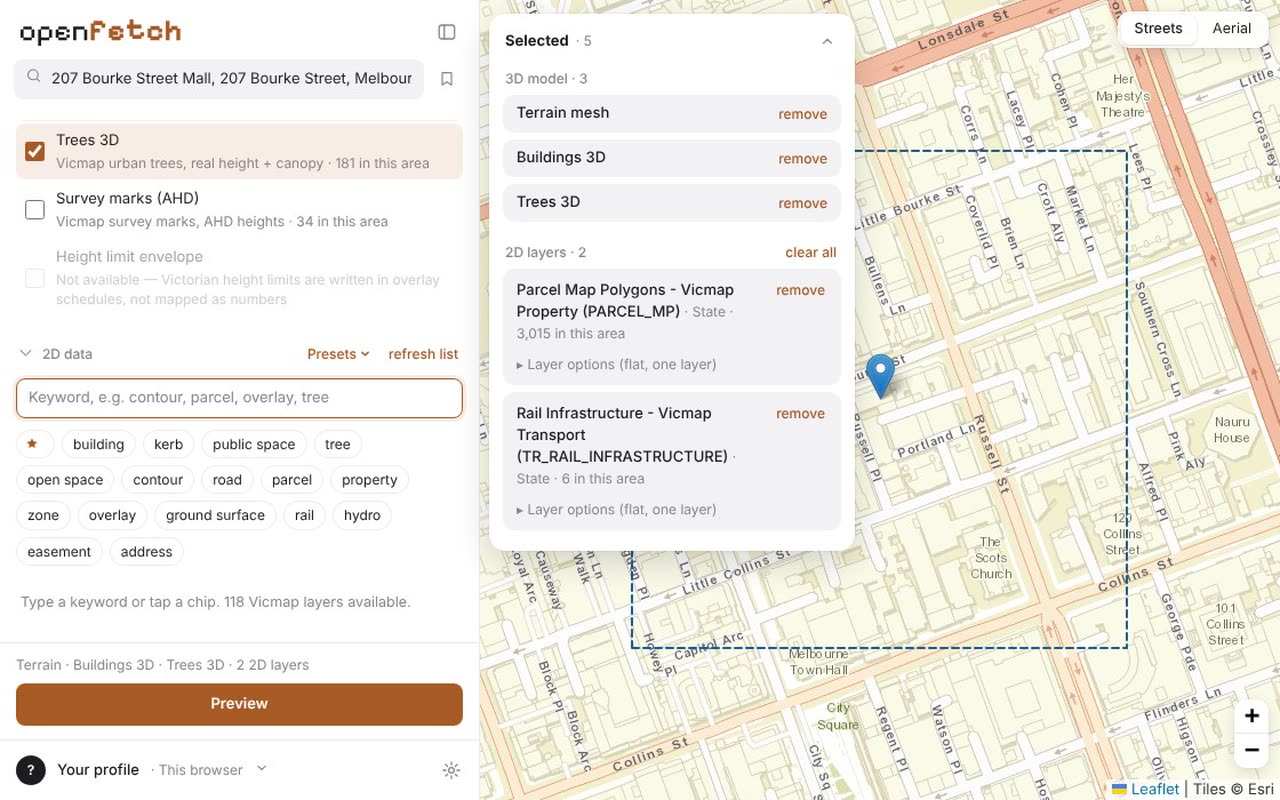
Terrain, 3D buildings, trees and survey marks are one tick each. Find 2D layers with plain words like kerb, parcel or zoning. Layers with nothing on your site are greyed out before you ask.
-
03
Check it before you save
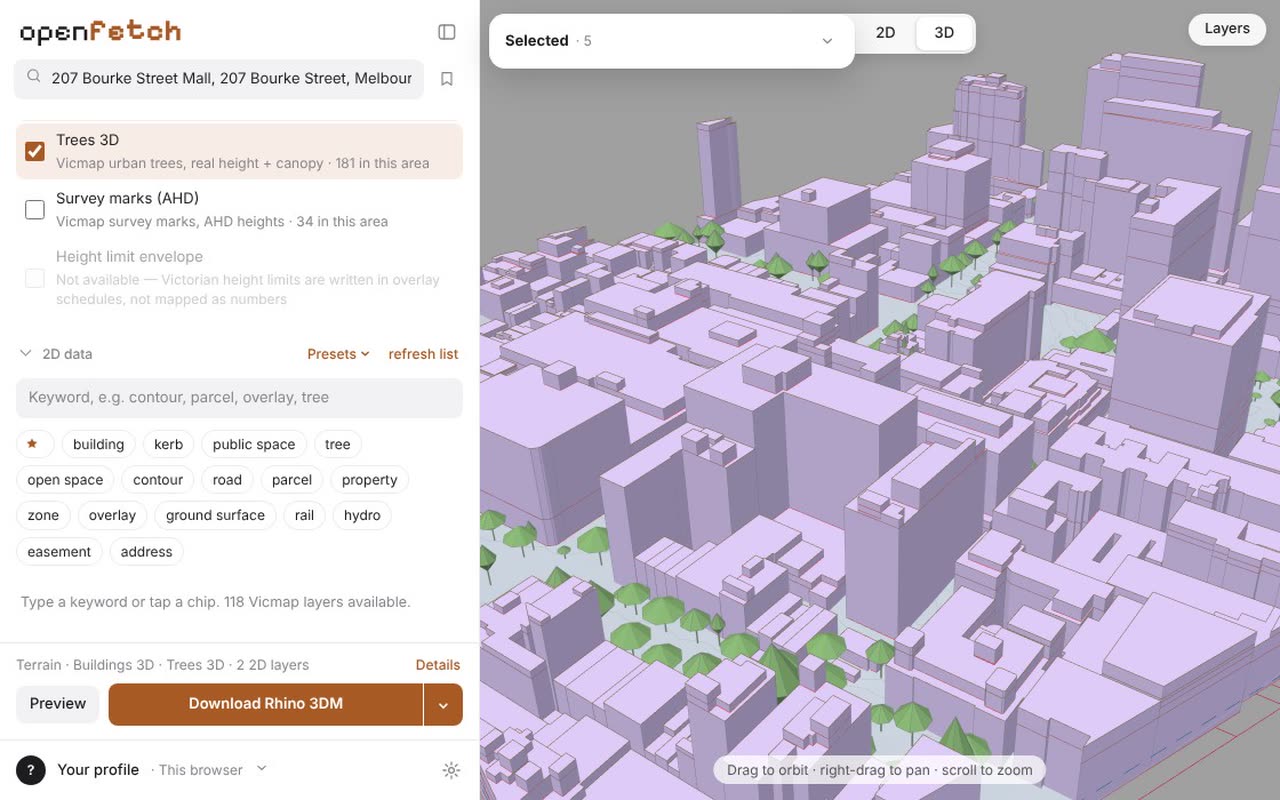
Preview every layer on the map, in plan and as a 3D model. The terrain is checked against the survey marks on your site, so you see problems before your model does.
-
04
Download one tidy file
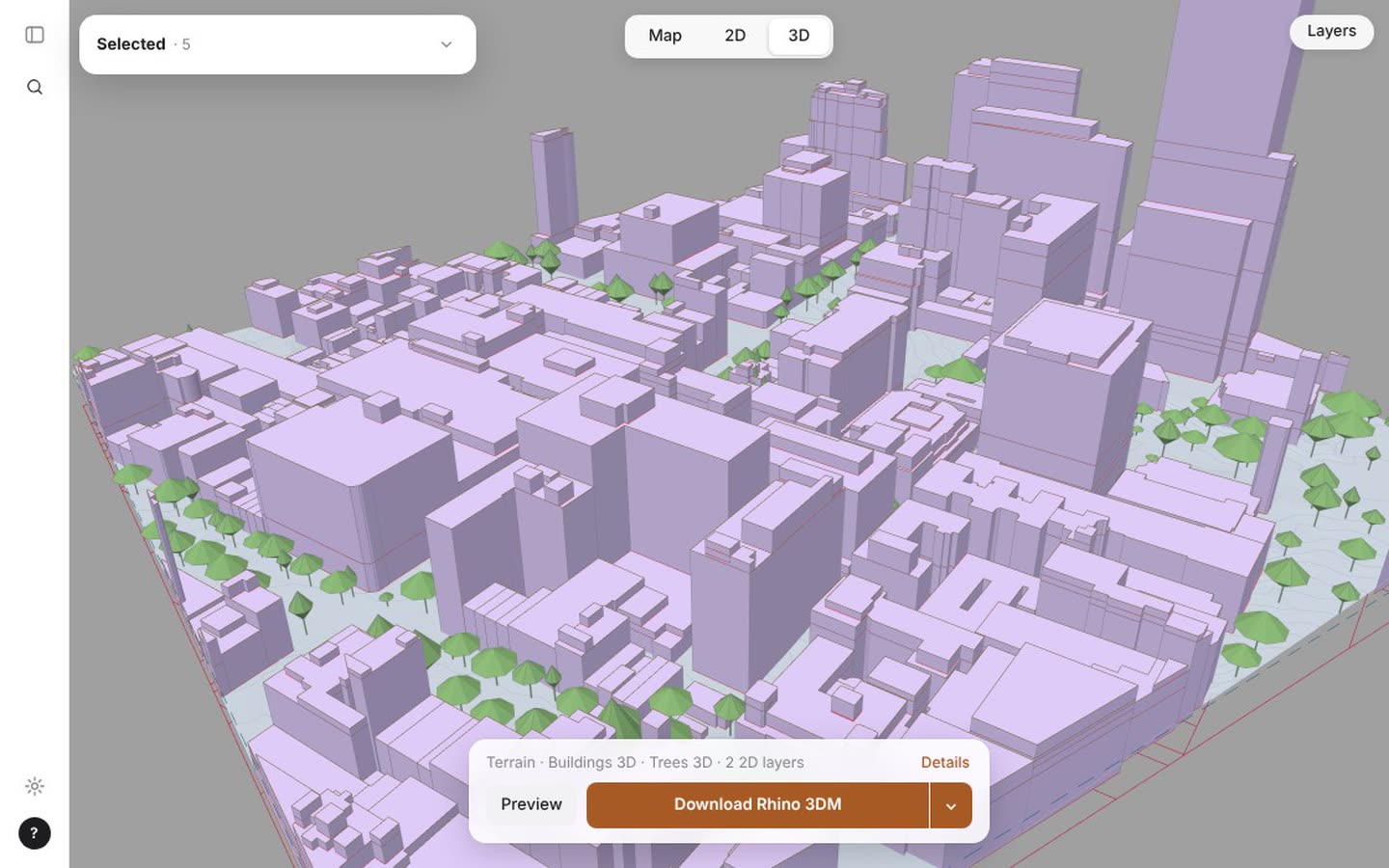
A Rhino .3dm, a DXF for AutoCAD, Revit, Archicad, Vectorworks or SketchUp Pro, or GeoJSON for QGIS and ArcGIS. All in MGA metres and AHD heights, with layers named and coloured, and every source and licence written inside.
LayersOpenFetch · 207 Bourke St3DTerrain mesh GA 5 m LiDARContours 0.5 mBuildings 3D City of MelbourneTrees 3D Vicmap2DParcels Vicmap PropertyRail infrastructure Vicmap TransportGDA2020 · MGA Zone 55 · AHD · sources and licences in the file notes
The problem
Site data is free. Getting it into your design software is not.
The data is all out there, but it is scattered across state portals, council websites and federal services, and every one speaks a different language.
- Hunting
- Parcels from the state, trees from the council, terrain from a federal service. Each one a new site, a new search, a new download.
- Converting
- Shapefiles, KML, GeoTIFF, CSV. GDA94 and GDA2020, degrees and metres, ellipsoid and AHD heights. A 1.5 m shift between two grids is easy to miss.
- Redrawing
- Contours that float above the ground, buildings with no heights, a hundred layers called Layer 01. Then the real design work can start.
The relief
One box in. One organised file out.
OpenFetch does the fetching and the tidying. It reads government and council data by default, puts every layer in your region's survey grid and checks it before you download.
- True position and height
- GDA2020 / MGA coordinates in metres and AHD heights. Contours lie on the terrain, and the terrain is checked against published survey marks on every export.
- Every source written down
- Each file records who publishes each layer, its licence and date, so you can cite it and check it later.
- Community data only if you ask
- OpenStreetMap can fill gaps, but it is off by default and clearly labelled as not official.
Coverage
Where it works
One engine, one region pack per place. More regions are coming.
Victoria
- Vicmap and DataVic state data
- Every council's open data through data.gov.au
- Geoscience Australia 5 m LiDAR terrain
- City of Melbourne surveyed building heights
GDA2020 · MGA 54 / 55 · AHD
New South Wales
- NSW Spatial Services (GDA2020)
- NSW Planning Portal, incl. height limits
- 5 m elevation grid
- City of Sydney trees with height and canopy
GDA2020 · MGA 54 / 55 / 56 · AHD
Help shape OpenFetch Pro
OpenFetch stays free with no sign-up. Pro will add extras for practices, and students will get it free. Vote for what you would use and we will build that first.